

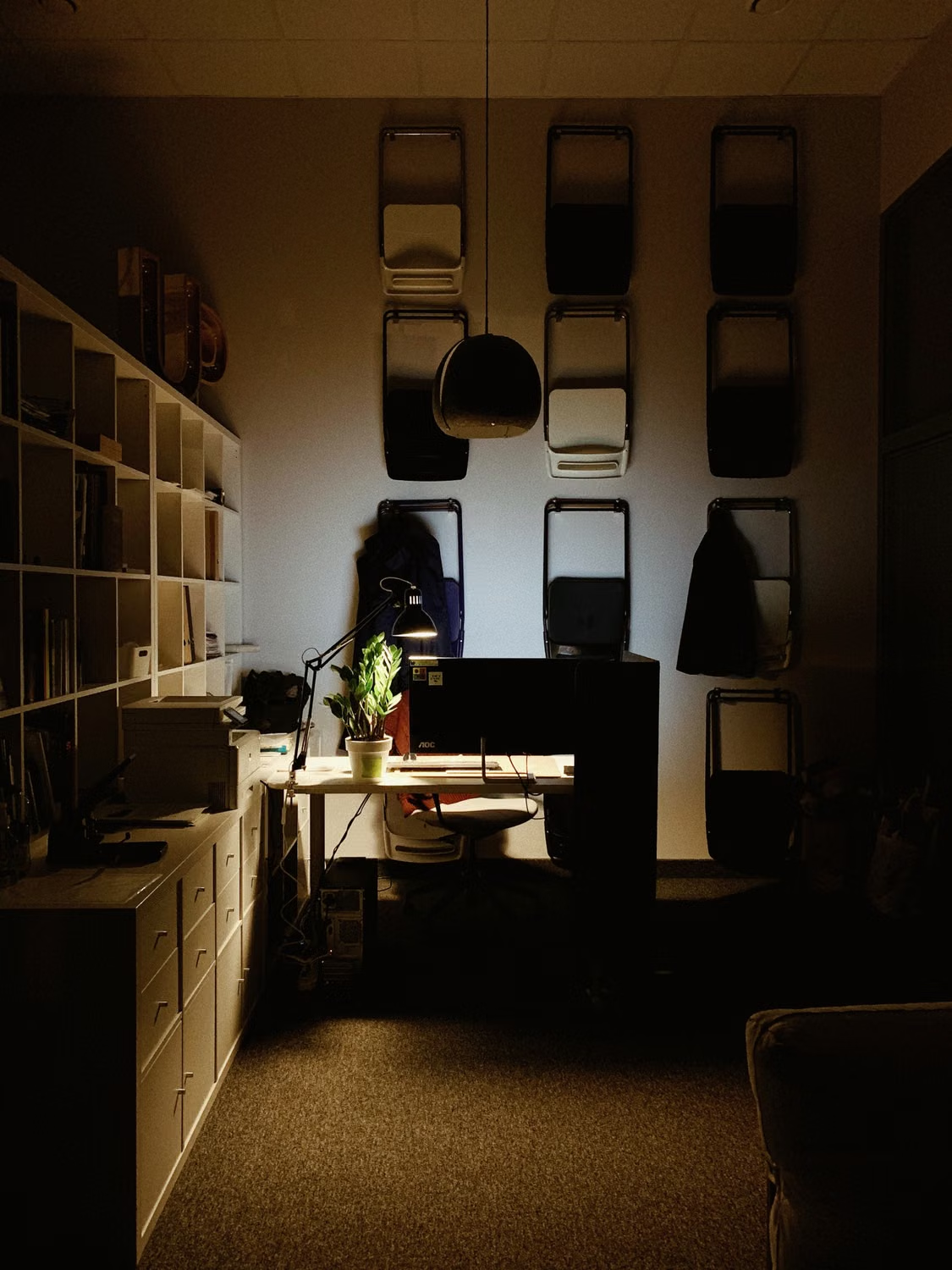
An apartment can photograph beautifully and still be difficult to work in. The spare bedroom may fit a bed but not a proper desk. The fastest advertised internet package may be unavailable in that building. A quiet lunchtime viewing may hide noise during the hours when your clients are awake. For remote workers considering a home in Turkey, the useful question is therefore not whether a property has a study. It is whether the complete apartment, building and neighborhood can support an ordinary working week without turning the rest of life into a support system for the office.
Describe your actual working day before searching
Write down what your work involves rather than selecting the broad label of remote worker. Frequent video meetings, large design uploads, confidential calls, coding, teaching and occasional email each place different demands on a home. Include the time zone of colleagues and the number of people working simultaneously. Someone speaking to North America late into the evening needs a different room arrangement from someone who finishes before a child returns from school. This short brief makes viewings more useful: you can ask whether the apartment supports specific activities instead of relying on a reassuring promise that everyone in the building works online.
Verify service at the exact address
Ask internet providers to check the complete address, including building and apartment information where required. A connection available across the street is not evidence that the same service reaches your unit. Request the available access technology, installation requirements, estimated activation date and any building permissions or equipment work. Record the provider's answer and when it was given. If the seller already has service, ask which package is actually active, but treat that as a starting point rather than a transferable guarantee. Existing subscriptions, equipment ownership and customer eligibility can differ from the arrangement available to a new occupier.
Separate the incoming connection from home Wi-Fi
Ofcom distinguishes the broadband service entering a home from the wireless connection between the router and devices. Better wireless equipment cannot make a slow incoming service faster than that service itself. During a viewing, identify where the line enters and where the router can sensibly sit. A device hidden in a metal cabinet near the entrance may struggle to reach a distant study. Ask whether existing wall sockets are data connections or merely look similar. Consider an accessible cable route to the main workstation, especially when a stable wired connection matters more than having no visible equipment.
Test the tasks that affect your income
With the occupier's permission, test an ordinary video call and a representative upload using the connection you are evaluating. Note whether the test uses Wi-Fi or a cable and where you stood. A single test cannot establish year-round reliability, but it is more informative than a number quoted without context. Where possible, return at a busy evening hour and compare performance. Ask about recent faults and how they were resolved. Keep downloads, uploads, latency and interruptions as separate observations; a connection can feel quick when browsing yet become frustrating when sending large files or sharing a live presentation.
Make the desk fit a person, not a listing photograph
Bring the dimensions of your desk, chair and equipment. Allow space to pull the chair back without blocking a door, cupboard or escape route. Check where your feet, cables and storage will go. OSHA's workstation guidance emphasizes arranging components together rather than assuming one posture or furniture setup suits everyone. For a property decision, the practical lesson is to test the complete arrangement. A narrow ledge under a window is not automatically a usable office simply because a laptop fits on it. Someone using two screens, paper drawings or accessible equipment may need substantially more space.
Read daylight at screen height
Stand where the chair would sit and imagine the actual screen position. A dramatic window directly behind a monitor can produce an uncomfortable visual contrast; a window behind the worker can create reflections. OSHA's monitor guidance discusses glare and placing the monitor in relation to windows. Treat blinds and curtains as part of the room budget rather than an optional finishing touch. Check whether controlling glare would mean keeping the whole room dark throughout the day. A second visit at your busiest work hour can reveal a problem that a pleasant early morning inspection would never show.
Listen with the windows open and closed
Pause conversations during a viewing and listen from the intended office. Note road noise, lifts, water pumps, neighboring televisions, school activity and sound from the living room. Then consider whether you could work comfortably with windows closed during hot weather. A noise problem is not solved if the only workaround removes ventilation or requires cooling you cannot tolerate. Speak with building management about known works and delivery patterns without expecting a promise of silence. If sound isolation is essential to your work, arrange an appropriate professional assessment instead of relying on a phone application or the agent's impression.
Plan for two workers and one shared home
Two people with simultaneous meetings need more than two chairs. Test whether voices travel between their proposed work areas and whether one person must cross the other's camera background to reach the kitchen. Decide where schoolwork, visitors and household tasks will happen. A modest apartment with two rooms that close properly may work better than a larger open layout. Agree which space can return to domestic use after working hours. This is particularly valuable in second homes, where an improvised workstation can otherwise occupy the dining table for the entire visit and quietly undermine the reason for buying.
Inspect comfort across a long session
A room that feels fine for ten minutes can become tiring over a full day. Check shading, heating controls, ventilation options and whether outdoor mechanical equipment is audible beside the desk. Ask how the room behaves in different seasons and seek evidence such as maintenance records rather than unsupported estimates of utility bills. Inspect accessible sockets and request a qualified electrician's advice if additional power points or circuit changes are needed. Do not assume a collection of extension leads is an adequate permanent installation. Include lighting, chair comfort and temperature control in the cost of making the apartment work.
Establish a realistic backup plan
A second connection should be tested as a separate service, not treated as a slogan. Check mobile reception inside the office with the network you would actually use. A phone showing signal near the balcony does not establish usable performance at the desk. Ask about data allowances, tethering and equipment compatibility before relying on mobile backup. Consider what happens during a building power interruption, including router and device power, while following equipment instructions. A nearby workspace can be another fallback, but verify its opening hours and whether it offers the privacy or meeting conditions your work requires.
Read contracts before scheduling the move
Request the current terms directly from the provider. Check installation charges, equipment costs, commitment periods, cancellation conditions, payment methods and support channels. Do not import consumer rules from another country into a Turkish contract; the sources in this guide explain technical principles, not your local contractual rights. Confirm whether activation requires your presence and what identification or address documents the provider requests. Build the move around a verified installation appointment when work continuity matters. Keeping an overlap with your previous arrangement may be less disruptive than discovering, after moving, that an advertised package still needs physical installation work.
Protect work without changing the property decision into an IT project
Follow your employer's or client's security requirements when using home networks, shared printers and cloud services. Plan where confidential documents and devices can be stored away from visitors. Look at the video background and whether family names, entrances or valuable possessions would be visible. Ask who can access shared building workspaces and whether reservations are needed. A communal lounge may be pleasant for reading but unsuitable for a private client discussion. These checks help you decide whether a small private room offers more practical value than a photogenic amenity that cannot support your actual responsibilities.
Compare homes with a simple evidence sheet
For each apartment, record the verified service options, installation uncertainty, desk fit, daylight control, noise at working hours, cooling and heating, backup connection and separation from domestic life. Mark each item as confirmed, needs checking or unacceptable. Give greater weight to needs that cannot be changed easily, such as room geometry or building access for new cabling. Furniture, lamps and blinds are usually easier to change. This prevents an attractive finish from compensating on paper for a fundamental limitation that will affect you every week and may not have a reasonable solution after purchase.
A practical example and the final decision
Imagine two otherwise comparable apartments. The first has a larger living room and an impressive sea view, but the only desk position is beside the family television. The second has a smaller lounge, a separate study and a confirmed installation route. A buyer who holds daily confidential calls may reasonably prefer the second; someone working briefly each morning may choose differently. There is no universal winner. Before committing, repeat the most important tests, obtain written service information and price the necessary changes. The strongest remote-work home is the one that supports your specific routine while still feeling like a home when the computer is closed.
Sources and further reading
- Ofcom: Improving your Wi-Fi experience
- Ofcom: Practical tips for improving broadband speed
- OSHA: Computer workstations and monitor placement
Cover photo: Pexels. Illustrative image; not a property listing or an endorsement. Pexels · Pexels License

Residence TR Editorial
Residence TR bünyesinde mimarlık tarihi, Boğaziçi yalıları, kentsel dönüşüm ve yabancı yatırımcılara yönelik mevzuat analizleri üzerine özel araştırmalar yürütmektedir.
Türkiye'de Gayrimenkul Yatırımı mı Planlıyorsunuz?
Uzman kadromuzla bütçenize, yatırım hedeflerinize ve vatandaşlık uygunluğuna en doğru konut projelerini belirleyin.